Telegram Integration with FanBasis
Last updated: August 5, 2025
Telegram Integration with FanBasis
If you’re monetizing a Telegram channel, FanBasis makes it simple to automate access management with our Telegram bot. Once linked, the bot handles who gets access — no manual tracking required.
What the Bot Does
Automatically adds members to your Telegram channel once they purchase a membership.
Automatically removes them when their subscription ends or is cancelled.
Perfect for:
Paid communities
Exclusive content groups
Affiliate groups with tiered access
How to Connect Your Telegram Channel
Go to the Telegram tab on your FanBasis dashboard.
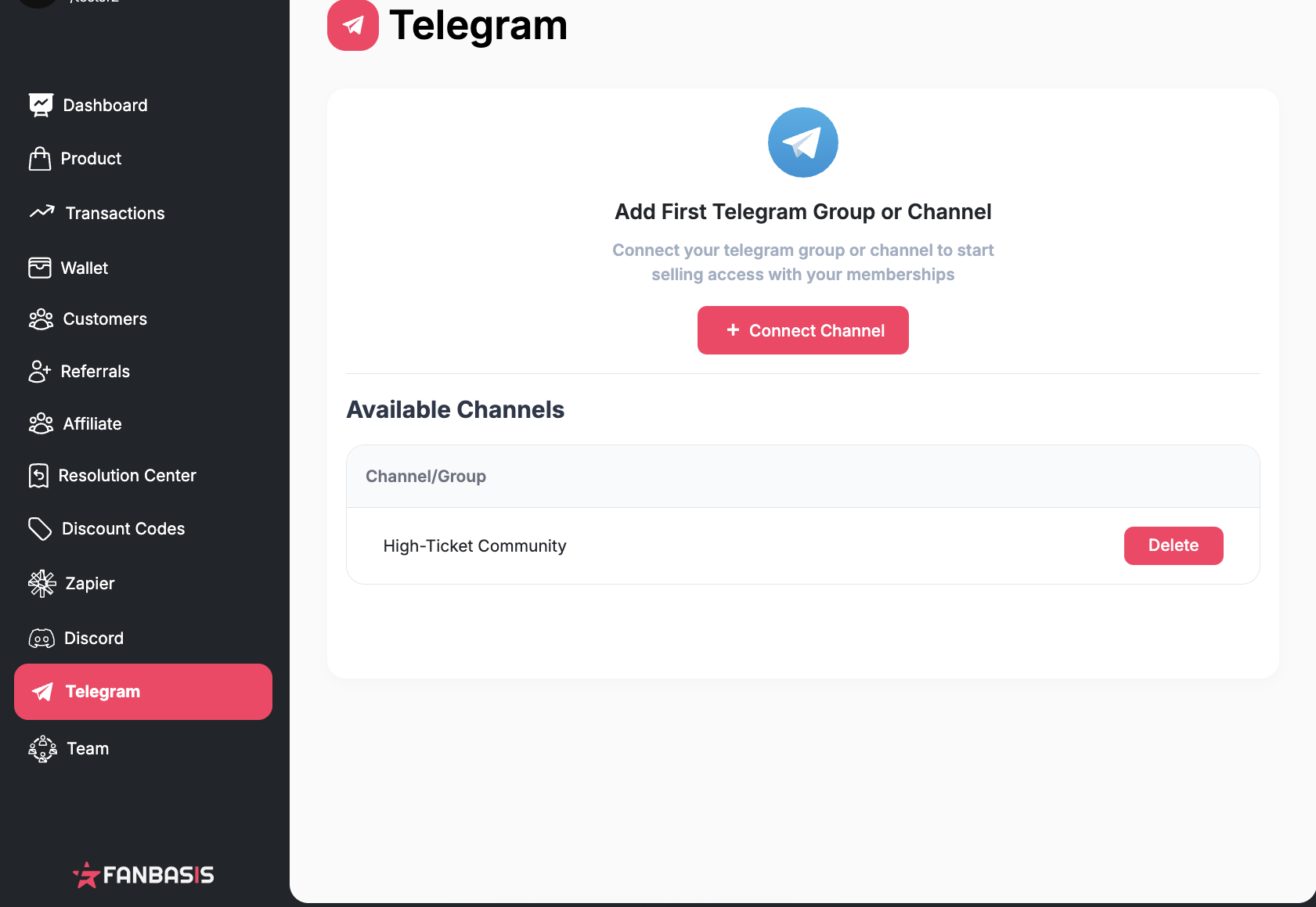
Select + Connect Channel.
In Telegram, add the FanBasis Bot to your group or channel.
Promote the bot to Admin.
In the FanBasis interface, you’ll see a code.
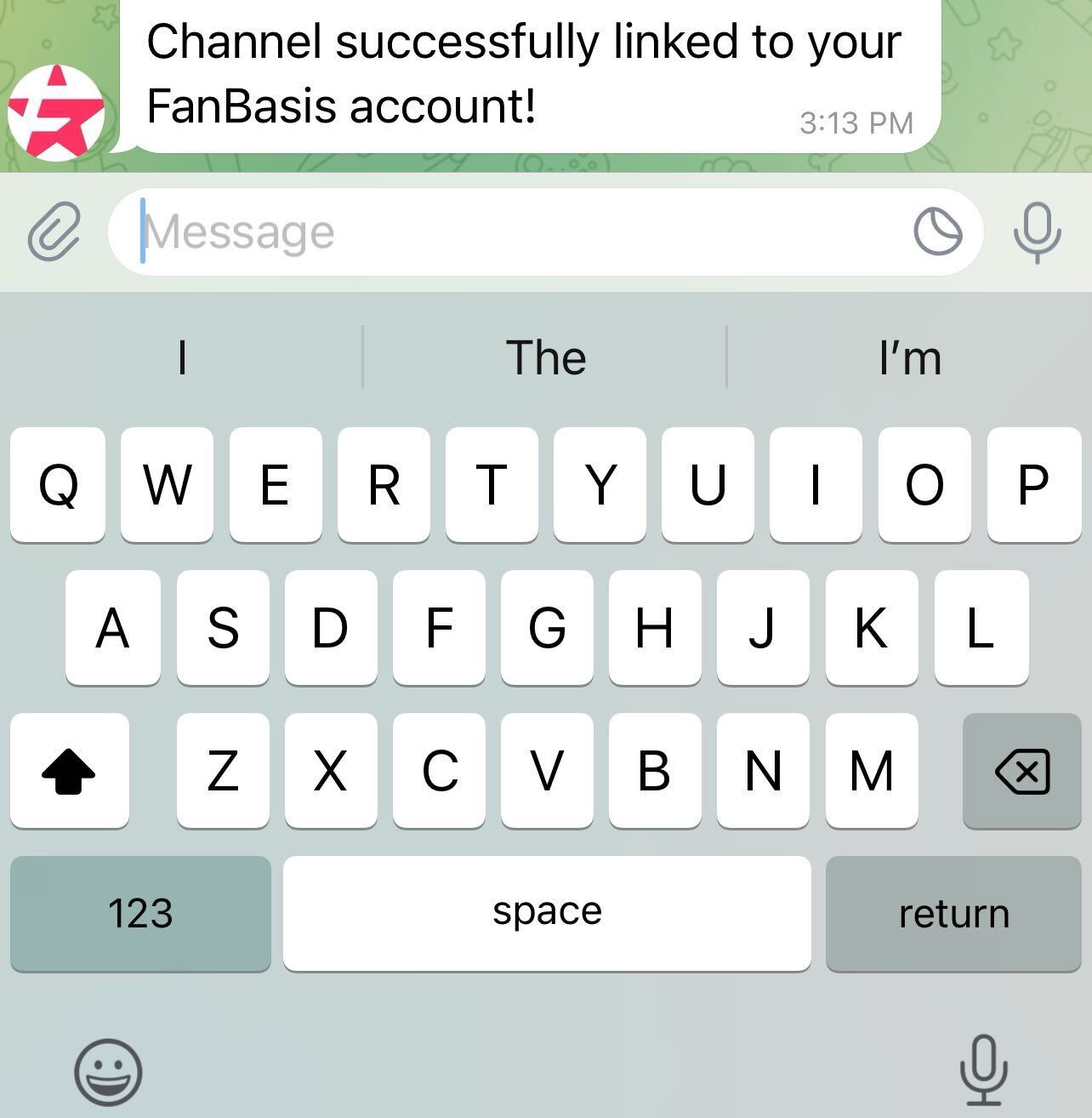
Type this code into your Telegram channel as a message.You’ll get a confirmation message:
“Channel successfully linked to your FanBasis account!”
Need Help?
If your channel isn’t syncing or you don’t receive the confirmation message, double-check that:
The bot is added as a member and promoted to Admin
You’ve entered the code correctly
You’ve selected the correct channel from your FanBasis dashboard
Still stuck? Reach out to support anytime at support@fanbasis.com.