How to View Failed Transactions
Last updated: December 4, 2025
To identify and analyze failed transactions:
Navigate to the Transactions Section:
Go to Transactions
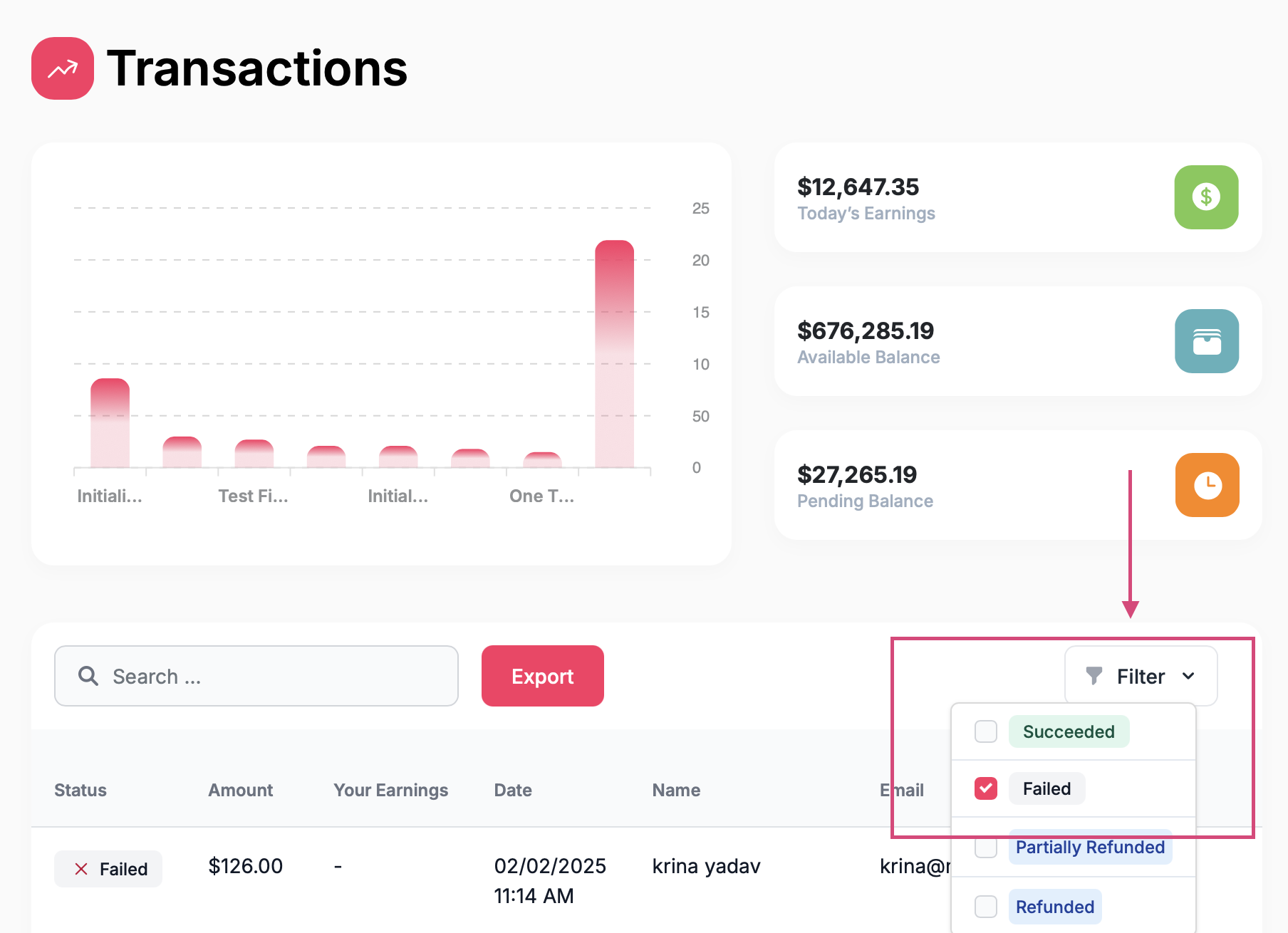
Navigate to Filter
Apply the "Failed" Filter:
Select "Failed" from the status options to display all unsuccessful transactions.
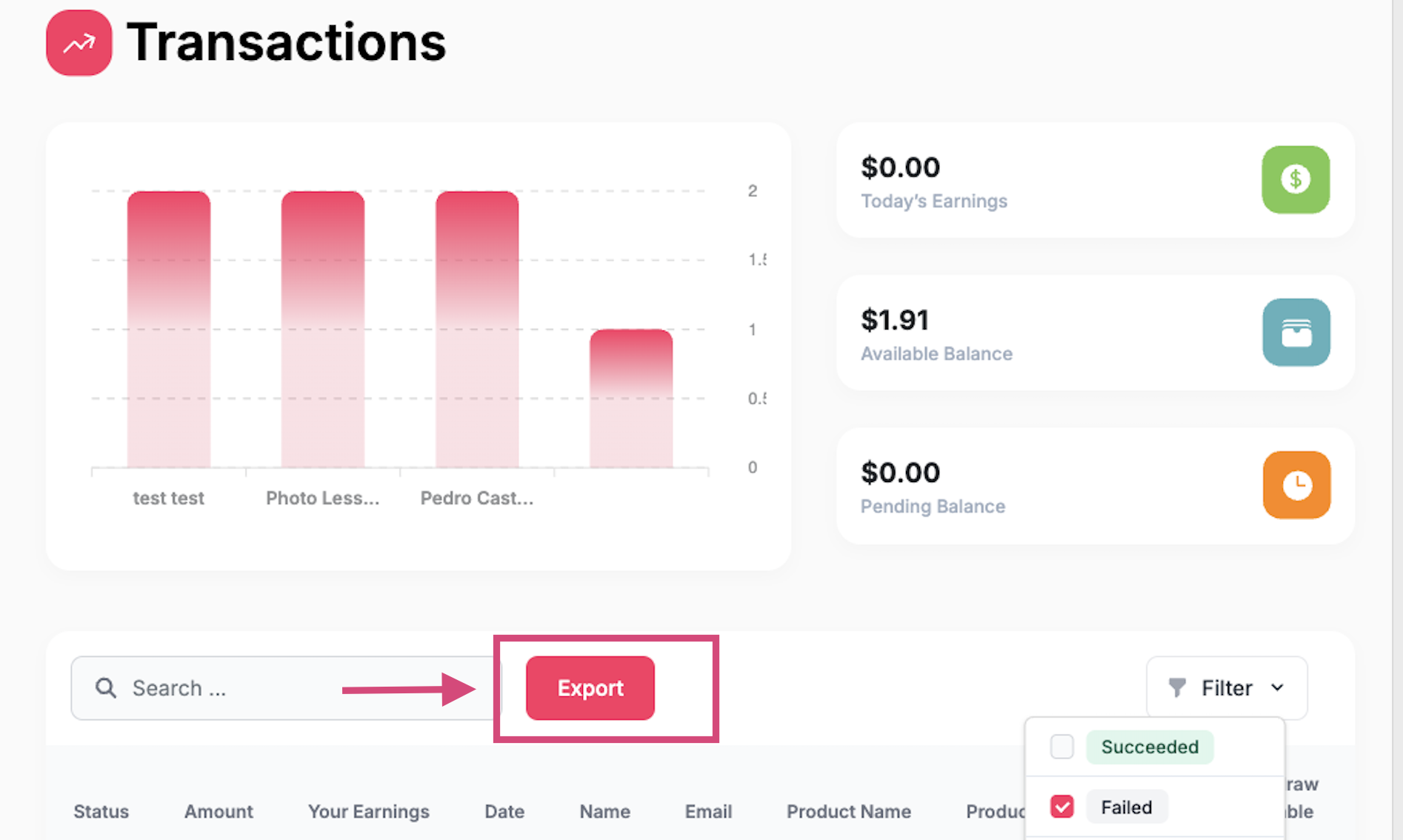
Export the Filtered Data:
To see failed payment reason codes: Click on Export to download the filtered transaction data.
Feel free to check out the failed payment codes and how to proceed here: https://support.fanbasis.com/articles/3052177680-failed-payment-decline-codes